
Hey Prócer
Decí “Hey Prócer” y hacé preguntas sin tocar el teléfono.
Leé, preguntá y entendé el mundo que te rodea.
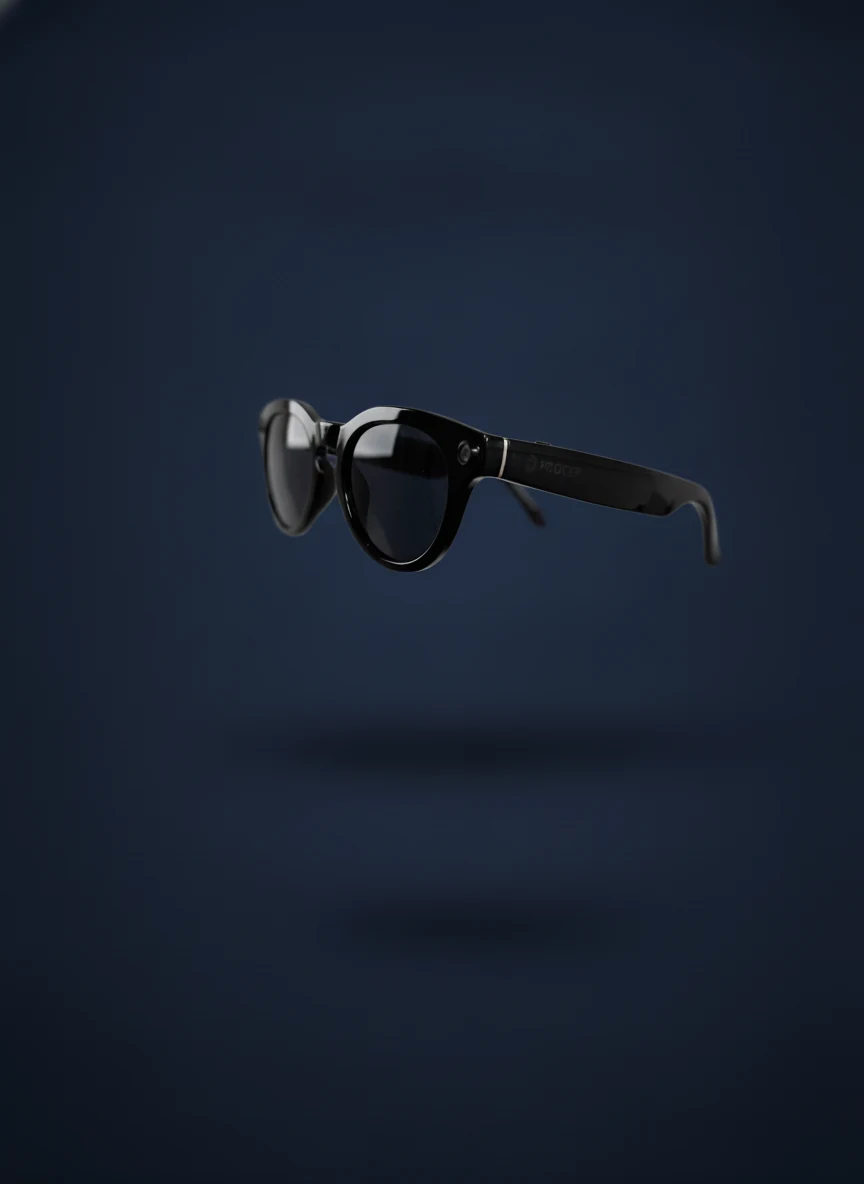
Carteles, documentos, menús, pantallas, clases y escenas cotidianas pueden ser difíciles de interpretar sin asistencia visual. PROCER Smart Glasses permite capturar esa información y convertirla en una experiencia accesible mediante voz e inteligencia artificial.
Preguntá por voz, tomá una foto con los lentes, escuchá documentos y consultá tu biblioteca personal — desde una app con alto contraste, controles grandes y navegación accesible.
Decí “Hey Prócer” y hacé preguntas sin tocar el teléfono.
Conversá con PROCER, adjuntá archivos o fotos y recibí respuestas claras.
Tomá una foto con los lentes y preguntá qué hay enfrente.
Abrí documentos PDF o texto y escuchalos con navegación por oración o párrafo.
Guardá documentos, imágenes, audios y videos para consultarlos después.
Elegí idioma, voz, velocidad y volumen para adaptar la experiencia.
Encendés los lentes PROCER y los vinculás a la app por Bluetooth.
O abrís el asistente. Usás la app sin tocar el teléfono.
Hacés una pregunta, tomás una foto o subís un documento.
Recibís la respuesta por voz y texto, de forma clara y accesible.
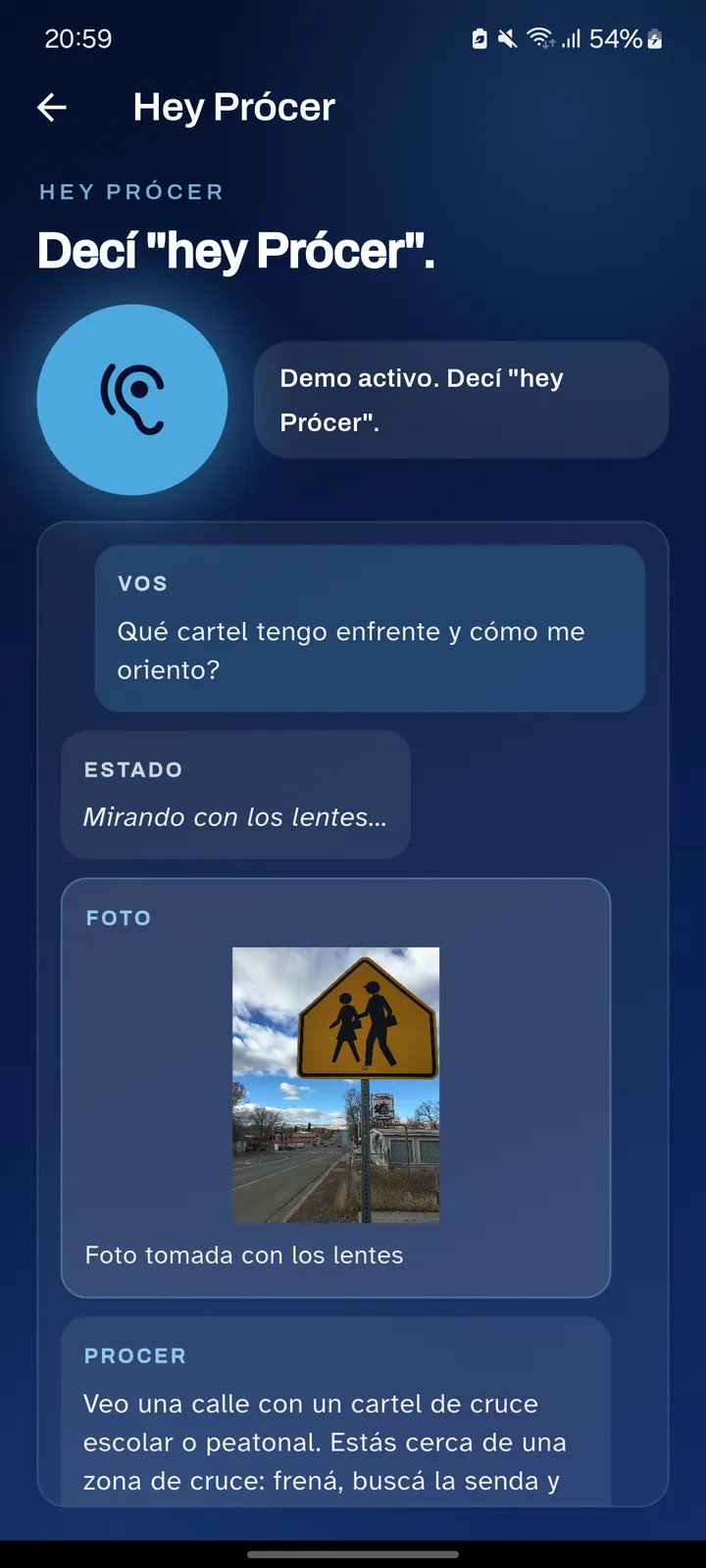
La app toma una foto con los lentes, la analiza y te responde por voz. Ideal para orientarte, leer un cartel o entender una escena en la calle.
Cada foto, documento y consulta se guarda en tu biblioteca personal. Después le preguntás al asistente sobre ese contenido y te responde con la información exacta que guardaste.
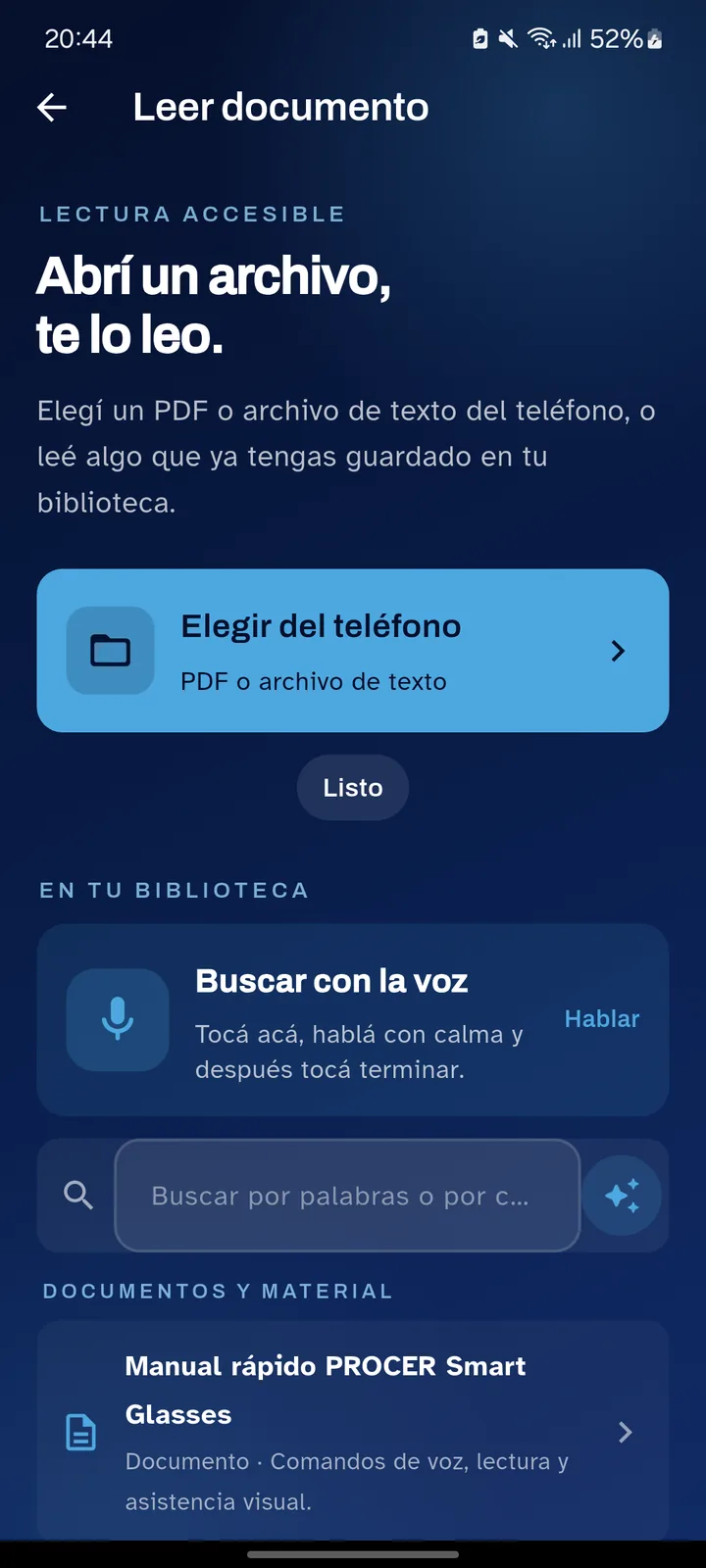
Un tutorial interactivo con la app real, pantalla por pantalla y narrado por voz, en castellano e inglés. También podés descargar el manual completo en PDF accesible.
Los lentes de cerca y en uso: el usuario pregunta, saca una foto con los lentes y recibe la respuesta por voz.
PROCER Smart Glasses prioriza contraste alto, botones grandes, anuncios por voz, navegación simple y respuestas claras. La experiencia está pensada para acceder a información cotidiana de forma más autónoma.
PROCER puede acompañar procesos educativos, programas de inclusión laboral, centros de rehabilitación visual, organizaciones sociales y familias que buscan mejorar el acceso a información para personas con discapacidad visual.
Hablar con el equipo →Solicitá una demo y te mostramos cómo funciona la experiencia completa con lentes, app móvil e inteligencia artificial.
Solicitar una demo →